Step 1
Paste or write your script
Add your text, ad copy, tutorial narration, or dialogue script. Keep sections structured so your final voiceover stays clear and natural.

Generate unlimited AI voice output in-browser with your system hardware and voice cloning.
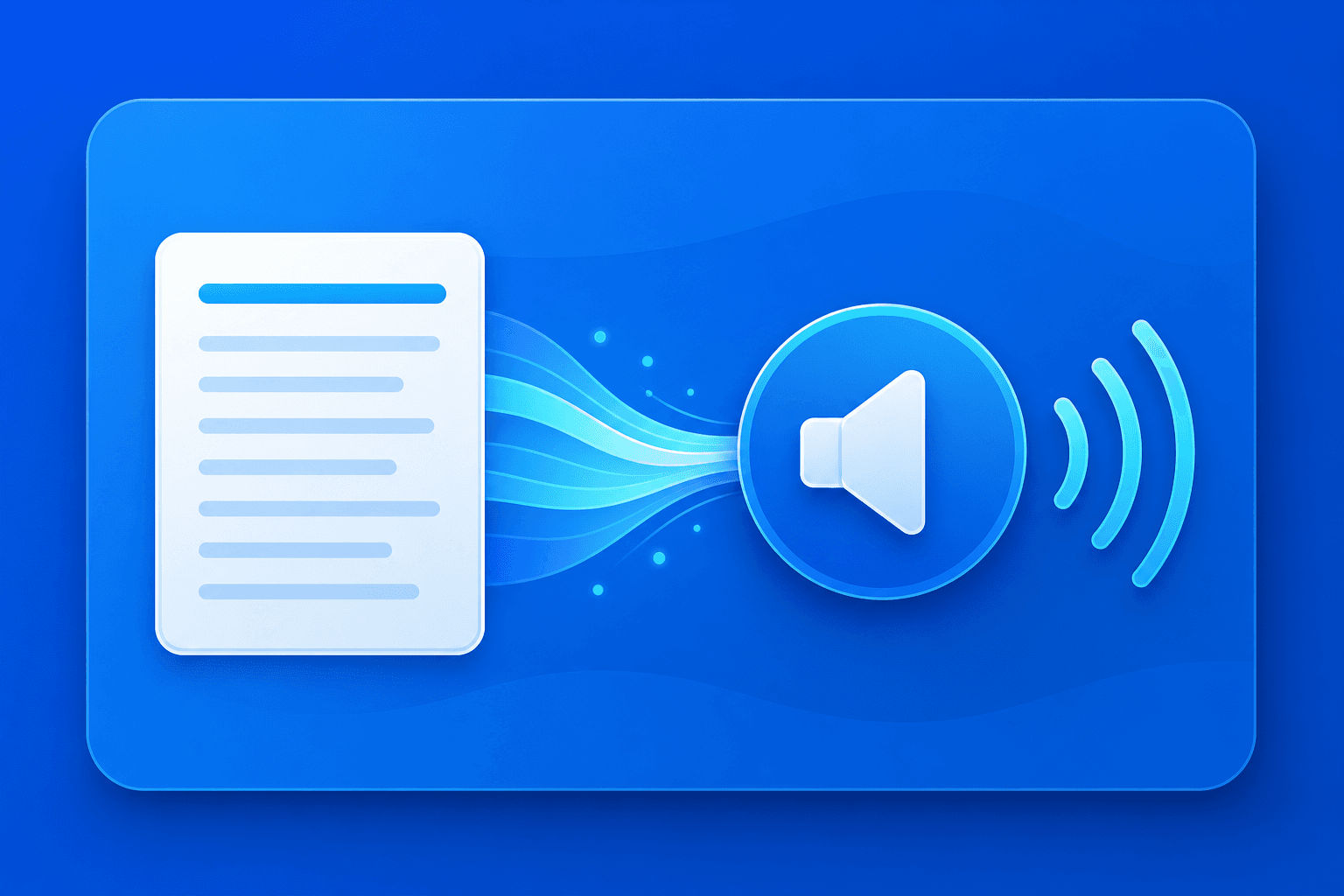
Use AI text to speech to turn scripts into clear narration without recording sessions, mic setup, or re-takes. Ship voiceovers faster for creators, marketers, and teams. Explore tools.
Pair text-to-speech with subtitles, transcripts, and editing workflows in Subclip to publish complete multi-platform video assets from one pipeline. View pricing.
Step 1
Add your text, ad copy, tutorial narration, or dialogue script. Keep sections structured so your final voiceover stays clear and natural.

Step 2
Use the current editor flow to process your source and refine output pacing, timing, and clarity before export.

Step 3
Download ready-to-use output and plug it into YouTube videos, Shorts, Reels, TikTok, podcasts, product demos, and course content.
Watch how to generate AI voice, combine it with subtitles, and publish faster.
Common questions about AI voiceover and text-to-speech workflows in Subclip.
Need another answer? contact@subclip.app
Contact supportNeed another answer? contact@subclip.app
Contact support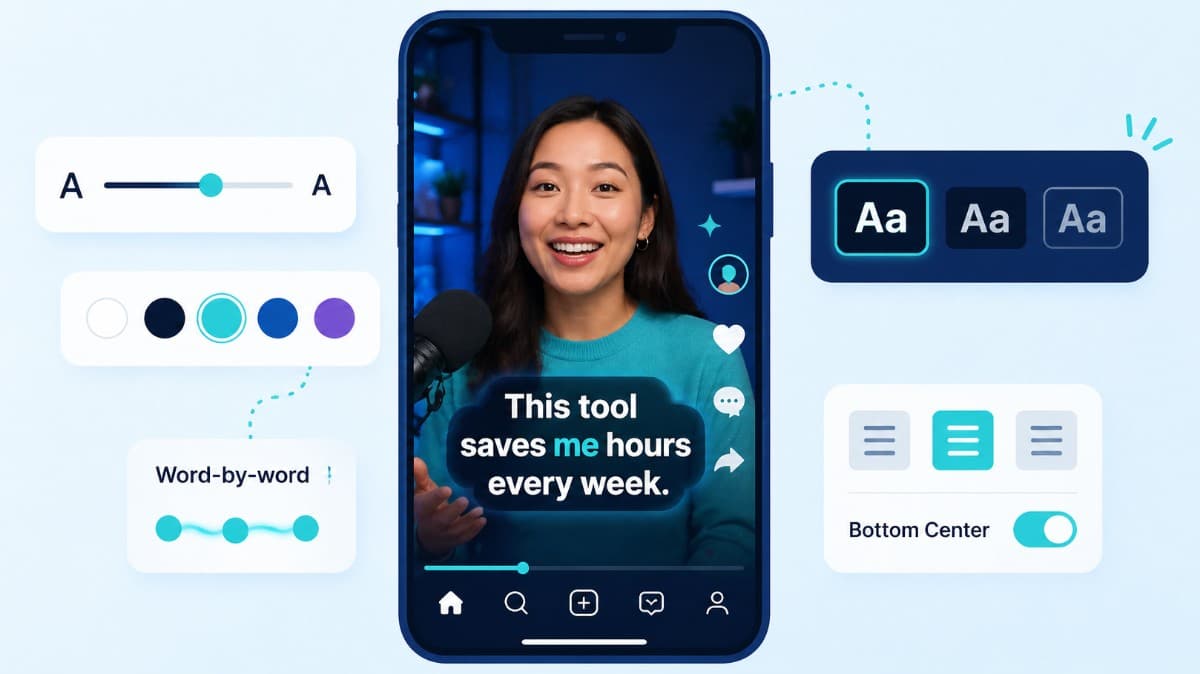
How to choose caption style, timing, and placement by format so viewers stay longer and act faster.
Compare the top free AI dubbing tools online. Find which ones support voice cloning, commercial use, and wor...
Elevate your video dubbing with our 15-point checklist for professional quality. Ensure clarity, accuracy, a...
No credit card required
After generating voice, continue into subtitle styling, transcript cleanup, and channel-ready exports without switching tools.
This gives your team one repeatable system for scripting, narration, editing, and distribution across every platform.